· RustDesk Team · Release · 2 min read
RustDesk web client V2 Preview
V2 offers better codecs, international keyboard support, clipboard support, file transfer etc.
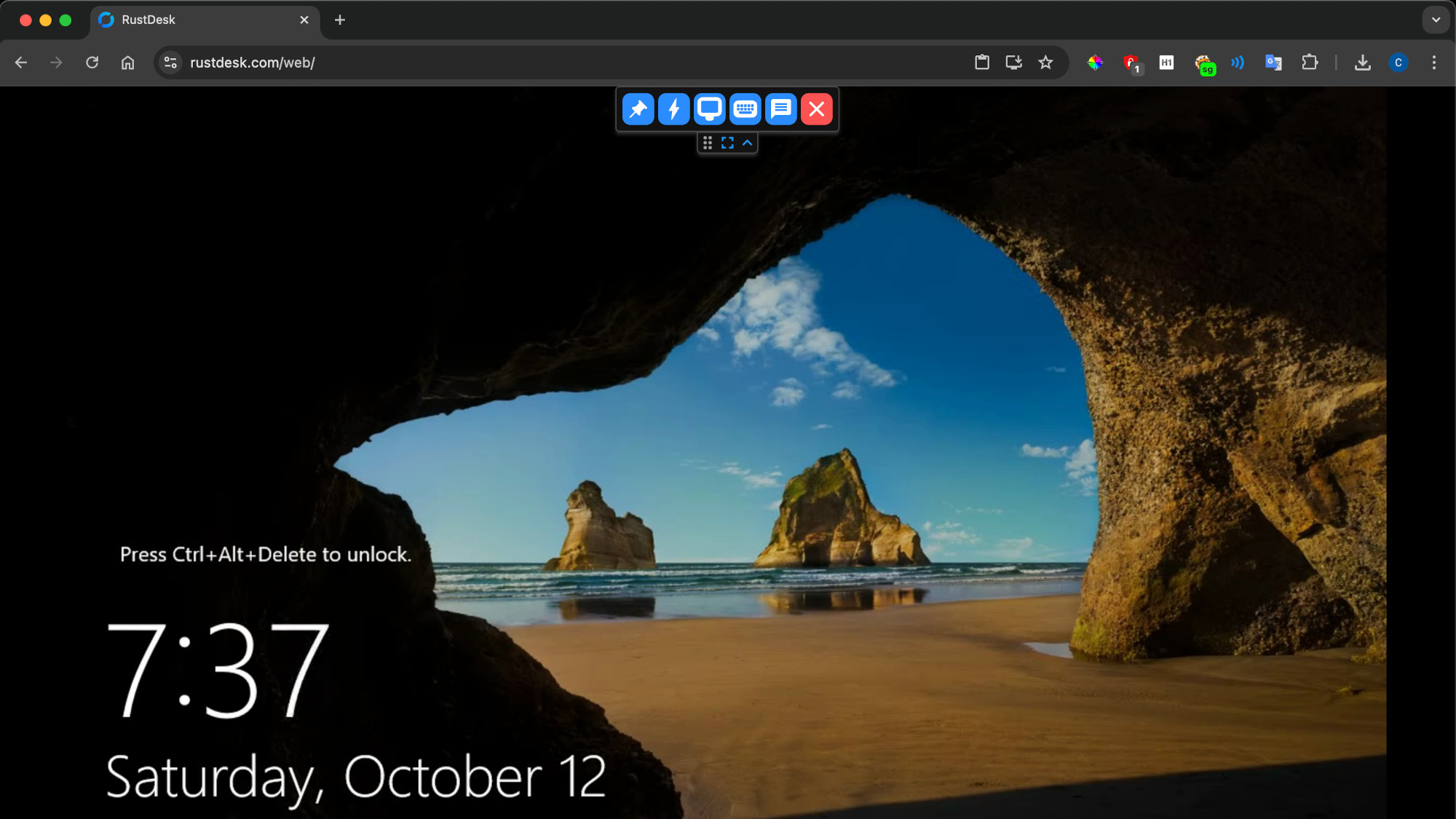
We are proud to introduce the RustDesk web client V2 Preview. It brings stronger decoding, better international keyboard support, clipboard support (not just text but also images), and file transfer. We have worked to keep the web version’s feature set and user experience in sync with the desktop client, within the limits that browsers impose.
You can access the RustDesk web client V2 Preview by visiting https://rustdesk.com/web. If you wish to access your own server through V2, please configure WebSocket Secure (WSS) support according to the documentation, setting it up on ports 21118/21119.
    location /ws/id {
        proxy_pass http://localhost:21118;
        proxy_http_version 1.1;
        proxy_set_header Upgrade $http_upgrade;
        proxy_set_header Connection "Upgrade";
        proxy_set_header Host $host;
        proxy_set_header X-Real-IP $remote_addr;
        proxy_set_header X-Forwarded-For $proxy_add_x_forwarded_for;
        proxy_set_header X-Forwarded-Proto $scheme;
    }

    location /ws/relay {
        proxy_pass http://localhost:21119;
        proxy_http_version 1.1;
        proxy_set_header Upgrade $http_upgrade;
        proxy_set_header Connection "Upgrade";
        proxy_set_header Host $host;
        proxy_set_header X-Real-IP $remote_addr;
        proxy_set_header X-Forwarded-For $proxy_add_x_forwarded_for;
        proxy_set_header X-Forwarded-Proto $scheme;
    }
The web client is also integrated into RustDesk Server Pro, so you can serve it from your own server at https://rustdesk.yourcompany.com/web instead of relying on the public one.
Two ways to use the web client with your own server
- Public web client (
rustdesk.com/web), pointed at your server. You can use RustDesk’s hosted web client and connect it to your own ID/relay server, but you configure it yourself: the browser needs WebSocket Secure (WSS) and the right CORS headers to reach your server. See WSS and CORS setup for the web client. - Self-hosted web client (served by Server Pro at
https://your-server/web). The web client is integrated into RustDesk Server Pro, so it runs from your own server rather than the public one. Self-hosting the web client is not included in the entry-level plans — it requires a plan large enough to satisfy (number of users × 10) + number of devices ≥ 400 (for example 10 users / 300 devices, 30 users / 100 devices, or 20 users / 200 devices). A self-hosted web client can also be customized.
Whichever route you take, the web client is a controller: you drive other devices from a browser tab, but a browser tab cannot act as an unattended host.
We are excited to bring these enhancements to our users and look forward to your feedback as we continue to refine and improve the RustDesk Web Client V2.